Connecting to the sources from your browser

Your numbers,
right on the desktop.

Stocks, FX, crypto, weather, GitHub activity. Drop a widget into a dashboard or pin it to your home screen. Your device fetches straight from the source; our servers never handle the data.

See how it works
Or let your AI build one $npx numable workspace init
My dashboardconnecting
BTC / USDcoinbase · 24h
EUR / USD
30 days
Spot goldXAU
every 20 s
USD/oz
· Weatheropen-meteo
°C
00:0012:0023:00
on device
Direct requests from your browser 0Data through Numable servers 0
showcase

Every widget is wired to live data.

Each widget comes from a standalone tool. Install it and it works; tweak the parameters as you like. Every one ships a light and a dark look that follow your system.

My dashboard
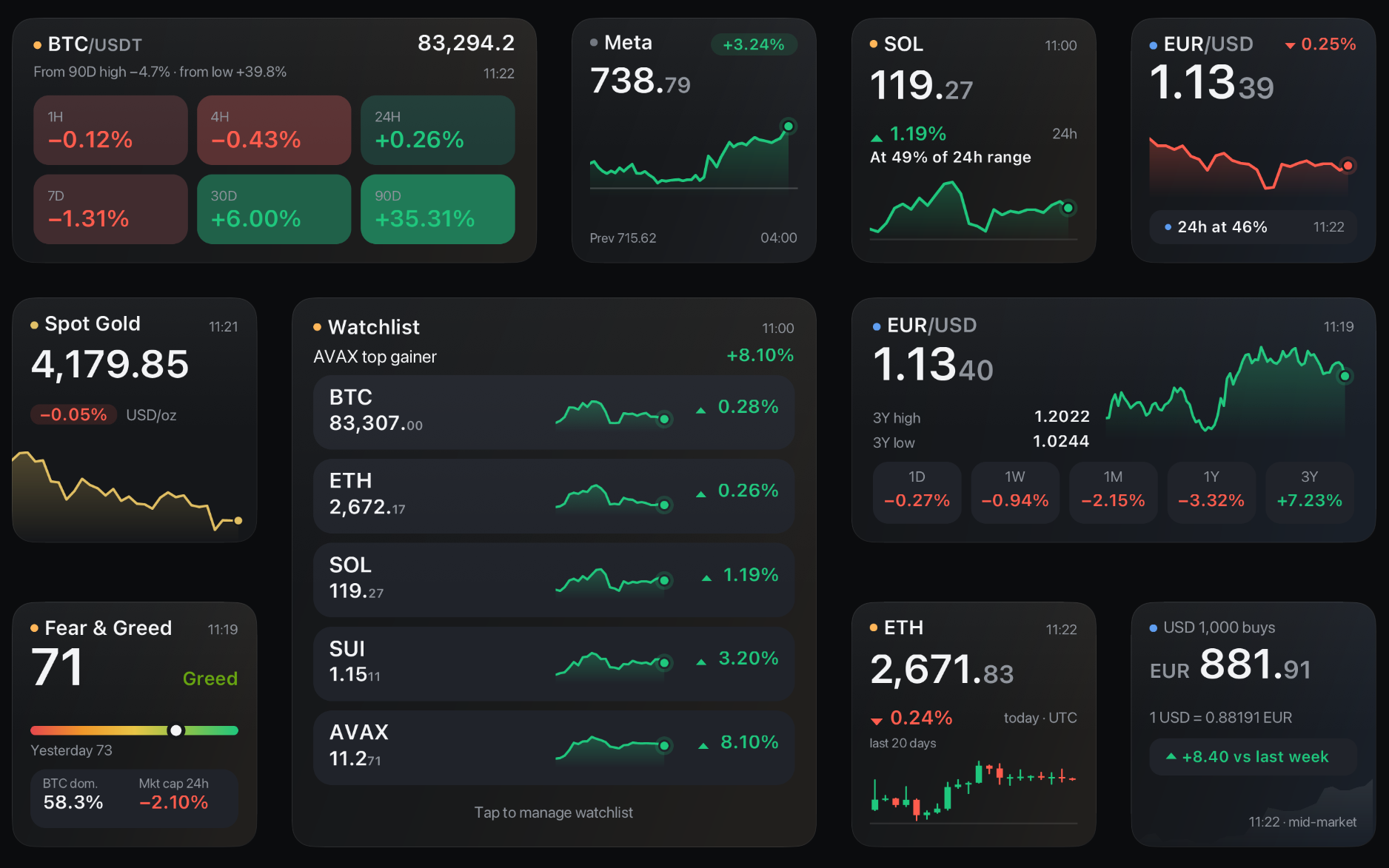
Numable dashboard screenshot
Stocksstock
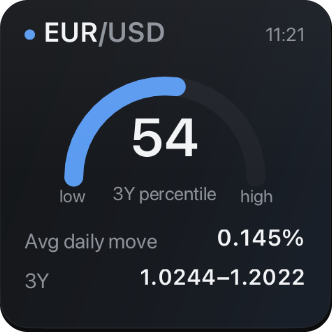
Exchange Ratesforex
Gold Pricegold
Cryptocrypto
Macro Calendarmacro
Weatherweather
Air Qualityair
To-dotodo
GitHub Inboxgithub
App Store Boardappwatch
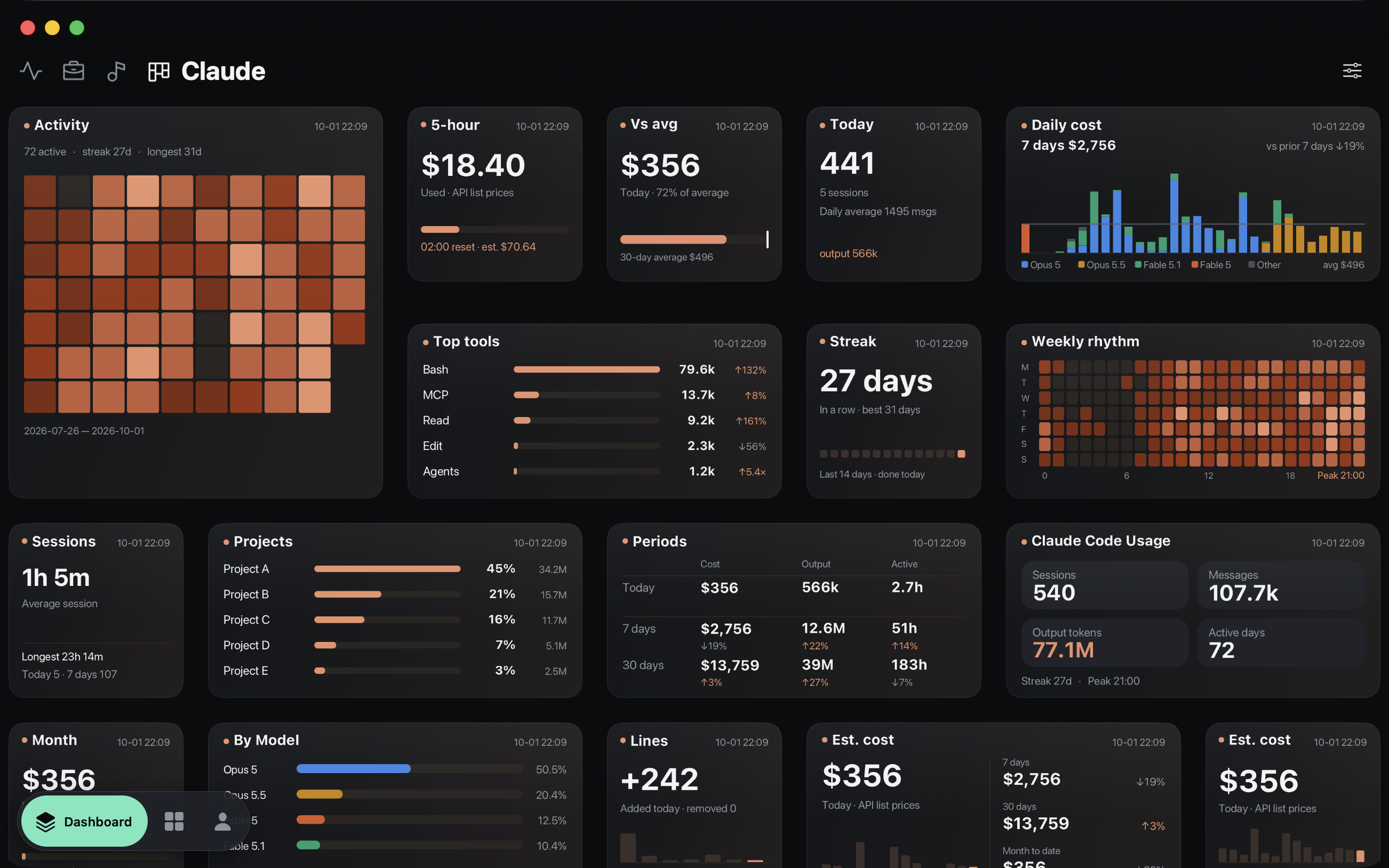
Claude Code Usageccusage
Hacker Newshacker
widgets

The answer is on your desktop,
no app to open.

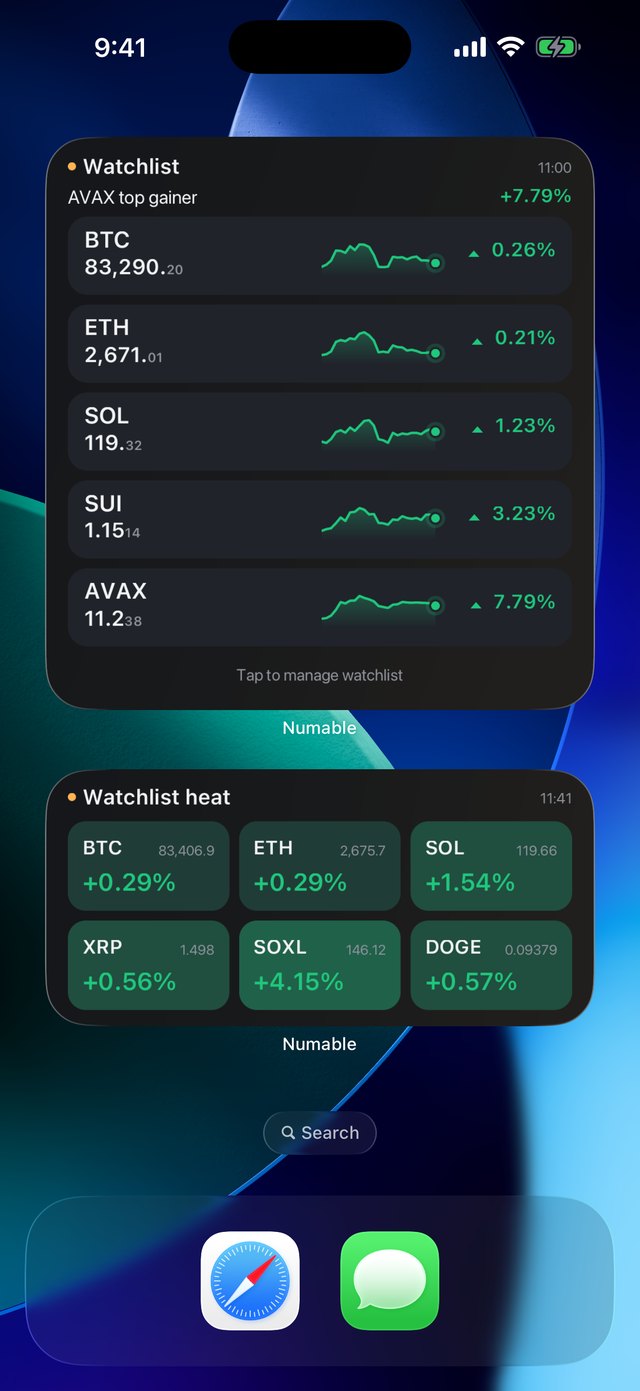
Pin any widget from your dashboard to the system desktop. iPhone, iPad, Mac, Android and HarmonyOS all get native widgets; the Windows desktop app runs the same tool and the same widget.

macOS
Numable dashboard on Mac
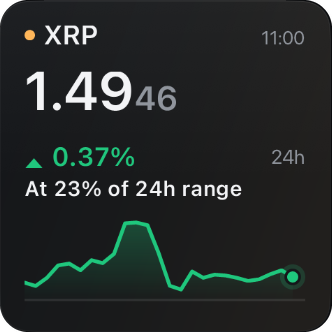
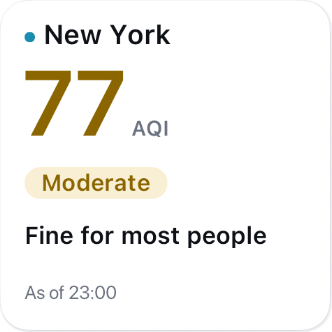
Phone home-screen widgets screenshot
Widget screenshot
Widget screenshot
Widget screenshot
Widget screenshot
iOSWidgetKit
iPadOSWidgetKit
macOSWidgetKit
AndroidApp Widget
HarmonyOS NEXT nativeService Widget
Windows desktop appsame widgets
local-first

Your data never passes through us.

Our servers only distribute content packages: what a widget looks like and where it fetches from. The actual data requests go straight from your device to the source. We can't see them, and we don't want to.

no relay, no proxy Content package · Ed25519 signed GET api.gold-api.com/price/XAU 200 · {"price":…} Numable servers Signed packages only Your data handled: 0 bytes Data sources api.exchange.coinbase.com api.gold-api.com api.frankfurter.dev · api.open-meteo.com Your device Verify · render locally Data stays on device No account needed
Every package is signed
Signatures and hashes are checked before install. Change a single byte in transit and it won't install.
Light and dark, by the system
Every widget carries a light and a dark palette. Switching themes only redraws; nothing is fetched again.
EUR / USD
Refetches 0
Still useful offline
The last good data is kept on your device. Offline, you see that data and when it was fetched, never an empty widget.
BTC / USD
● online
create

Make a widget of your own.

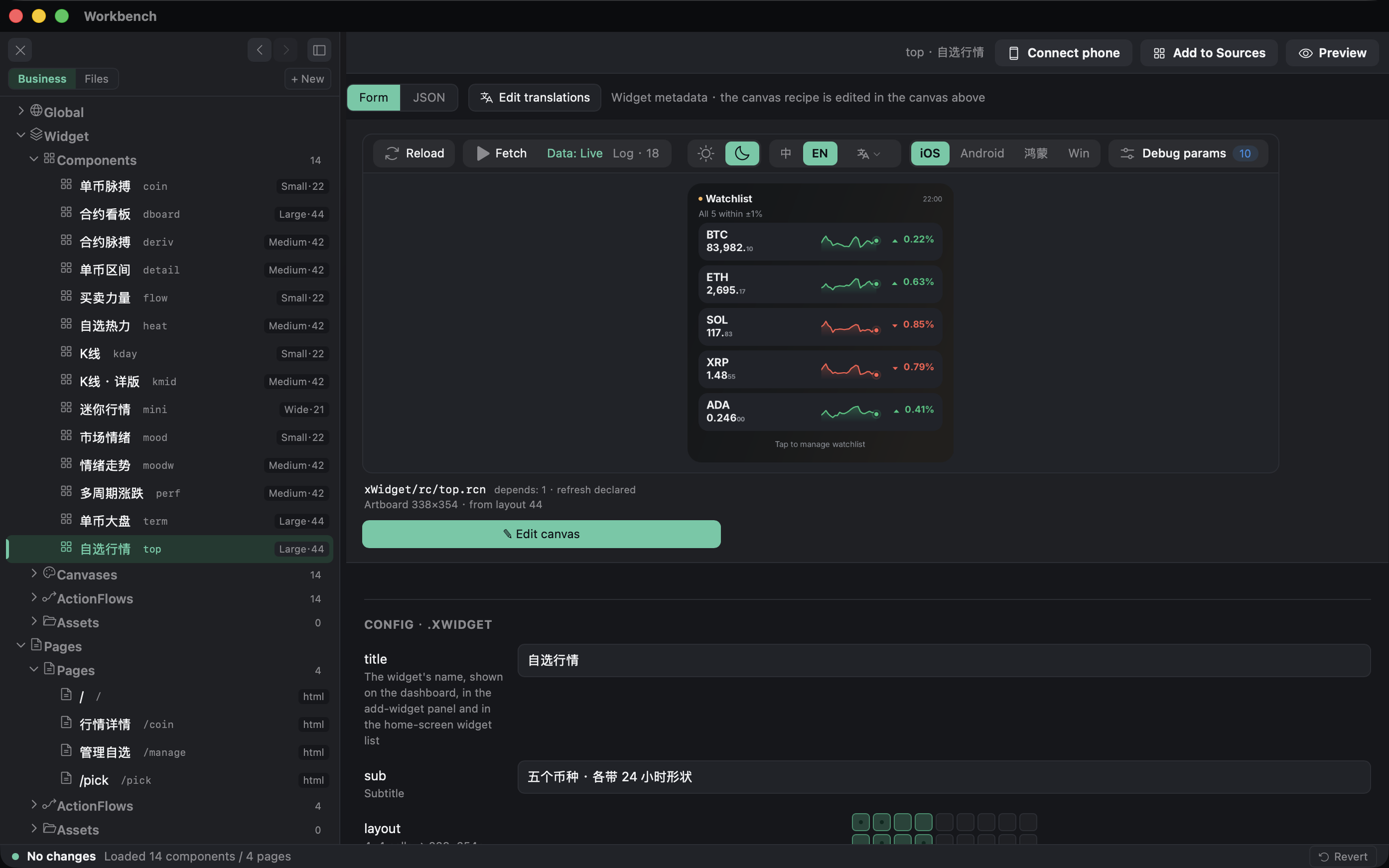
The desktop app has a built-in editor: lay out shapes on a canvas, wire sources in a data flow, preview, then package. Or hand the job to your AI.

Numable editor
Numable desktop editor screenshot
  • 01Visual canvas plus expressions, no native code
  • 02Connect any public data API and pick your own refresh rate
  • 03Anyone with an account can publish, so your widget can land on other people's desktops
~/my-widgets
$ npx numable workspace init
✓ AGENTS.md CLAUDE.md .claude/skills/numable-authoring/
 
# Tell your AI: "Make a widget showing where USD/CNY sits in its 3-year range"
 
$ numable init usdcny-band
✓ usdcny-band/ manifest.json xWidget/ page/
$ numable check usdcny-band
✓ 0 error · 0 warning
$ numable run usdcny-band
✓ 1 passed
$ numable render usdcny-band
✓ light.png dark.png empty.png
$

Run the first line inside a coding assistant such as Claude Code or Codex. It pulls in the numable command line, sets up a workspace, writes the rules the AI needs, generates the widget, then checks and renders it on its own.

Needs Node 18 or newer. If you use it often, installing it locally is faster: npm i -g numable.

faq

Three quick questions.

Is it free?

The core is free: installing tools, dashboards, desktop widgets and the regular refresh rate cost nothing. A subscription for heavy use comes later, and the free tier won't shrink.

Can you see my data?

No. Our servers only distribute signed content packages; data requests go straight from your device to the source, and the data lives only on your device. If you turn on multi-device sync (a membership feature), only data encrypted on your device is uploaded. The key never leaves your devices, so we can't decrypt it.

Which platforms?

iPhone, iPad, Mac, Android and HarmonyOS NEXT (native, not a webview shell), each with system desktop widgets, plus a Windows desktop app.